Finance · Budget Planner
LeanBudget

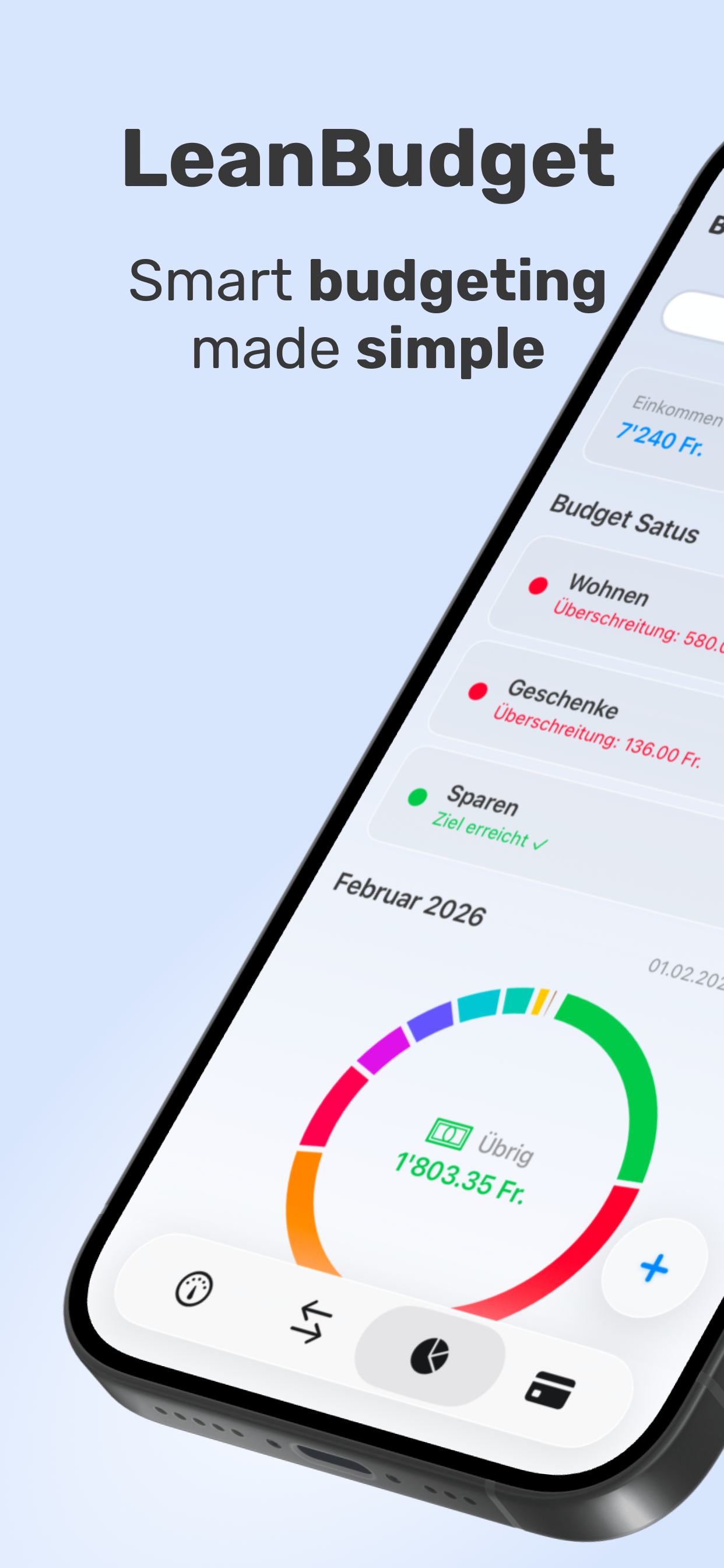
Smart budgeting made simple. Create your accounts and standing orders, add every transaction, track subscriptions, set savings goals, and stay in control—with effortless light & dark mode.
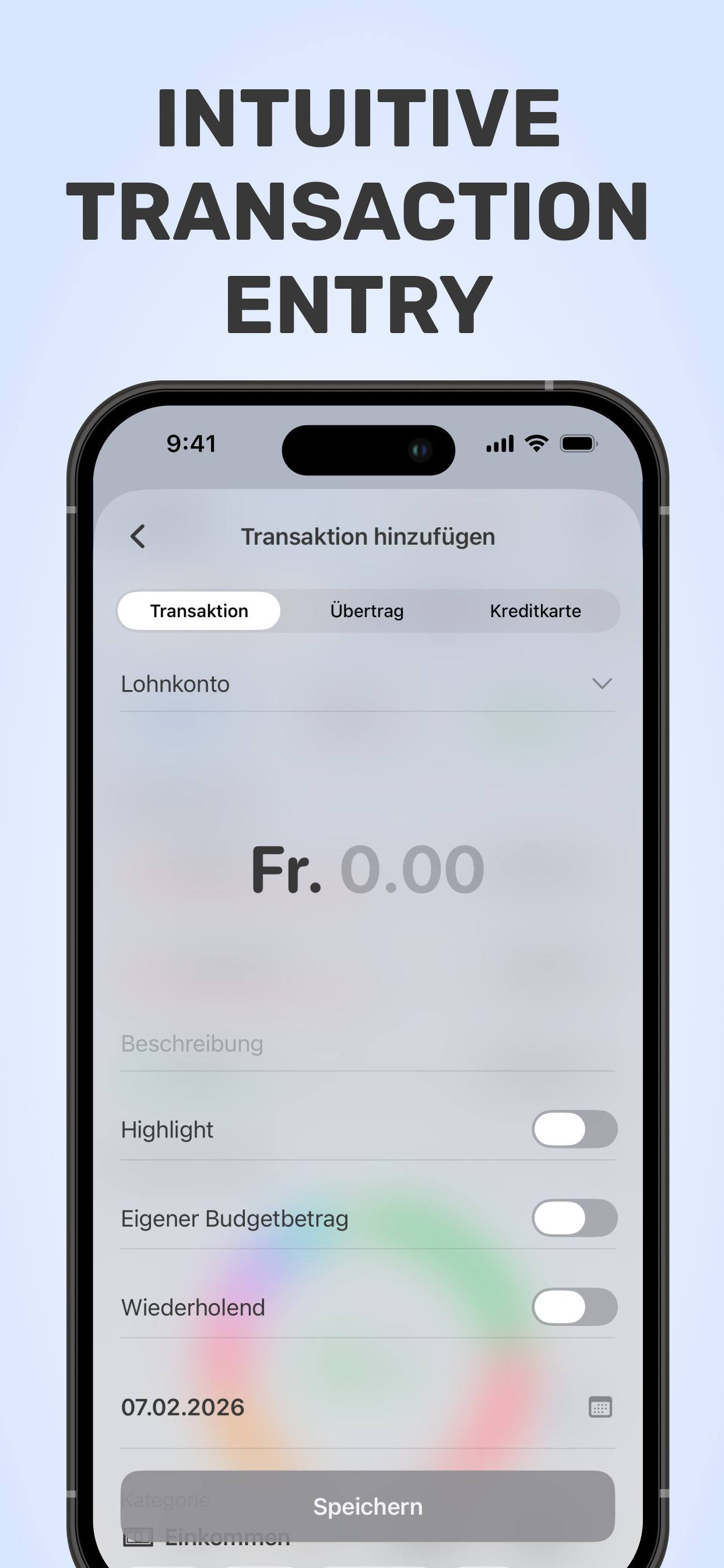
LeanBudget transaction entry screen LeanBudget welcome / setup screen

Everything you need to master your money

Lean, fast, and private. Built for people who prefer manual control and crystal-clear insights.

💼

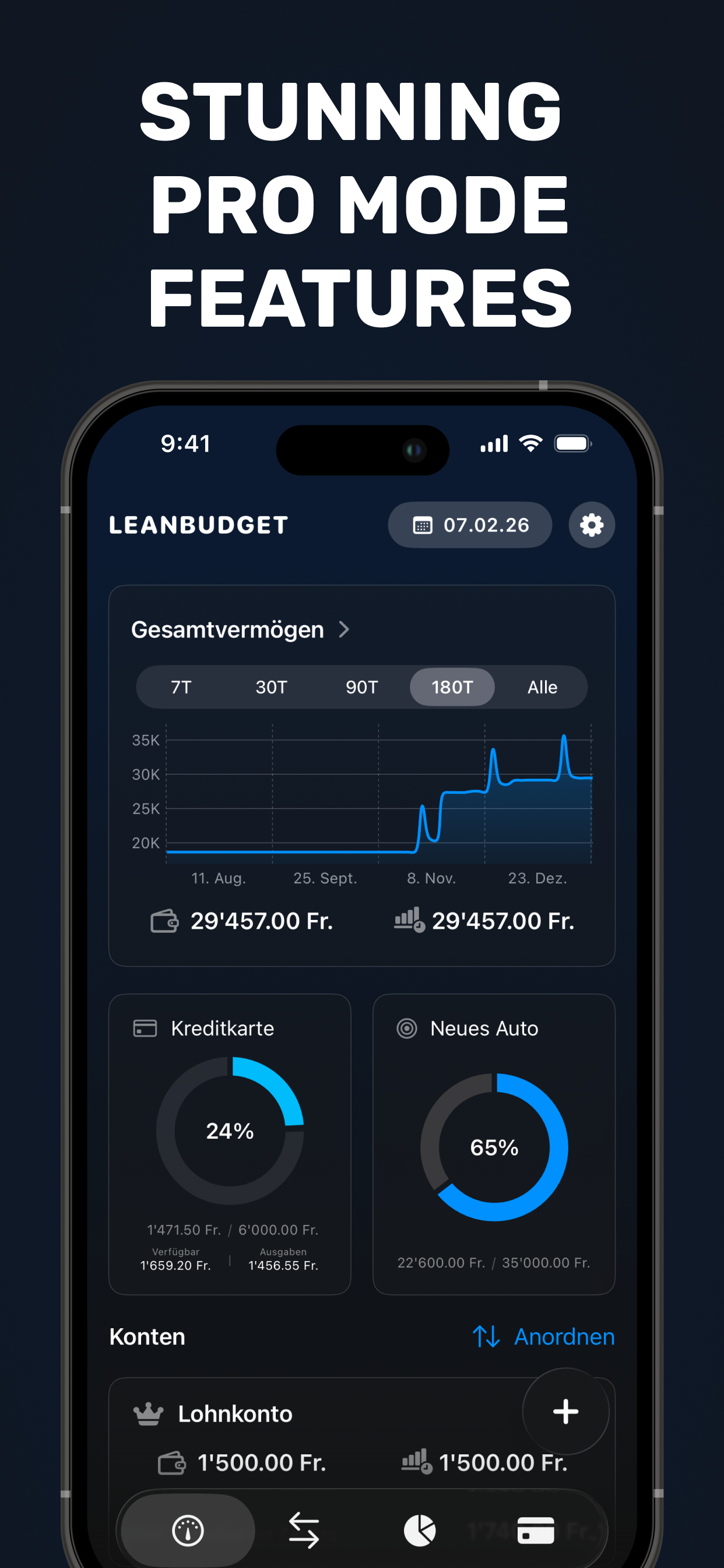
Accounts & cards

Create bank, savings, and credit card accounts. See all balances at a glance.

🔁

Standing orders

Add salaries, rents, and bills that repeat automatically—just like your real life.

🧾

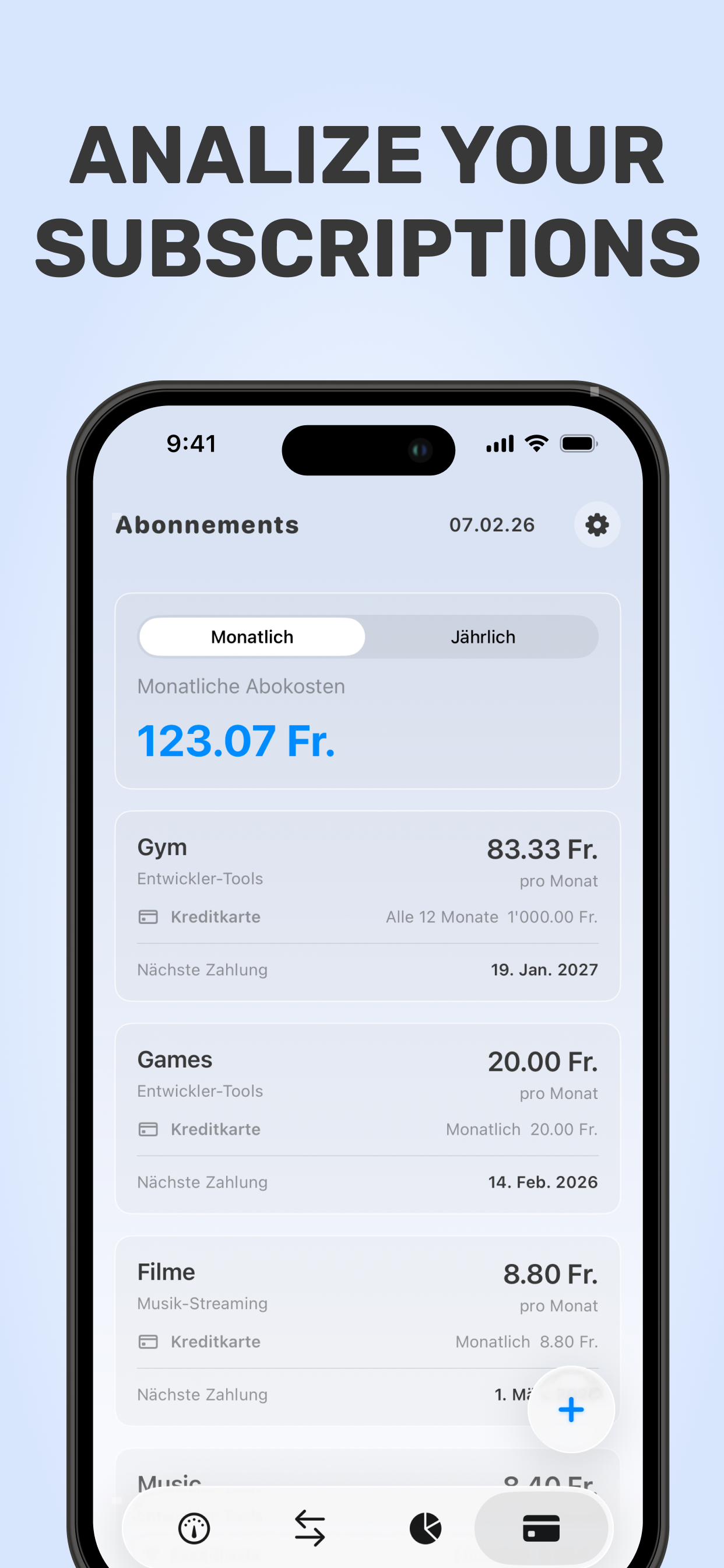
Subscriptions

Track every digital subscription and discover how much they really cost you.

📝

Manual transactions

Log expenses & income in seconds to understand exactly where money goes.

🎯

Goals

Set targets (e.g., “New TV – $2,000”) and see when you’ll reach them.

🌗

Light & Dark

Beautiful in both modes—automatic theme that matches your device.

How LeanBudget works

Model your real finances once, then keep it updated with quick entries.

  1. Create accounts: bank, credit cards, savings, reserves.
  2. Add standing orders: salary, rent, insurance, transfers.
  3. Track subscriptions: streaming, music, cloud, software.
  4. Log transactions: every expense & income—fast and clear.
  5. Set goals: see when you’ll afford big purchases with current setup.
  6. Review insights: monthly budget vs. spend, trends, and forecasts.
Get LeanBudget Privacy-first · No bank login
Accounts overview screenshot

See LeanBudget in action

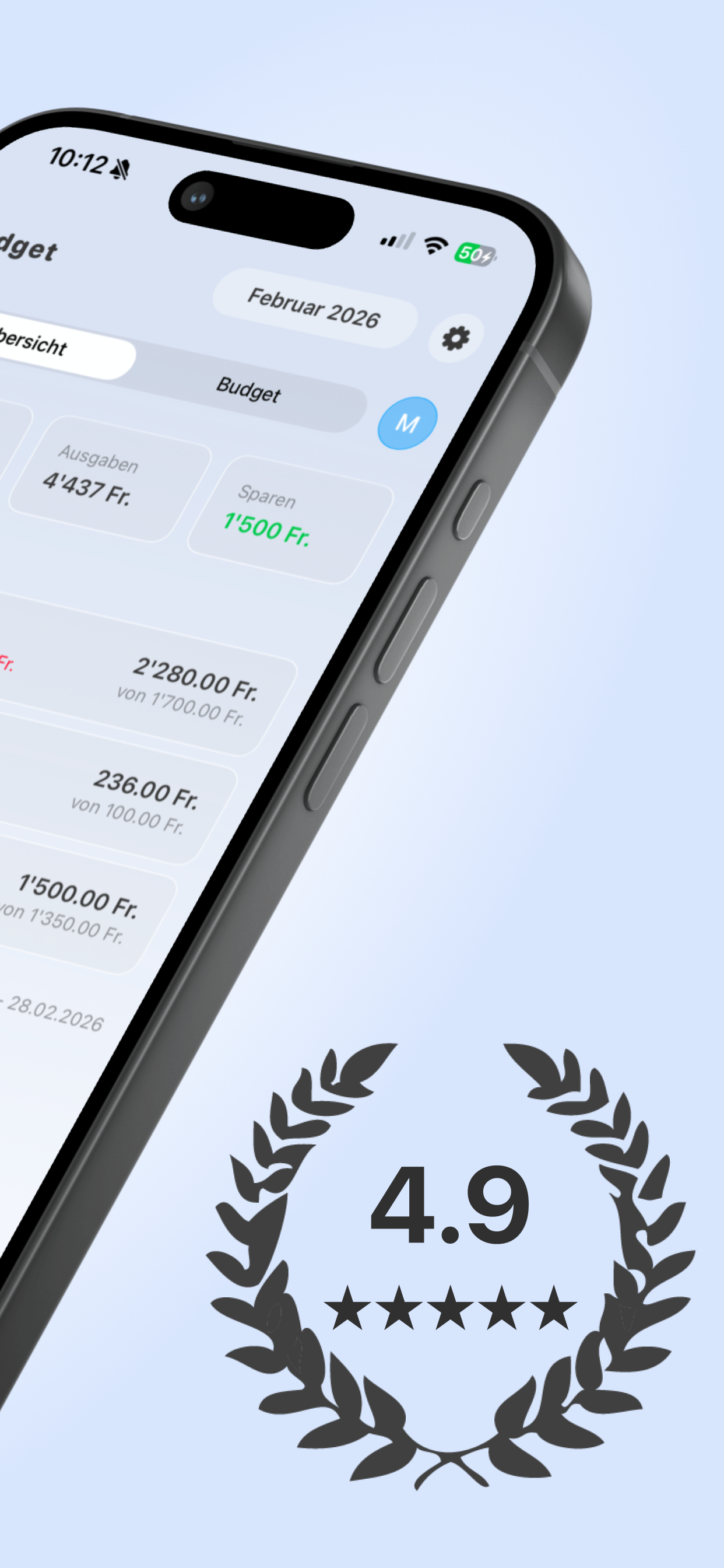
Screens from the iOS app—overview, transactions, budgeting, analysis, and dark mode.

Add transaction Welcome / setup Transaction analysis Monthly budget & insights Accounts overview

Take control of your money today

LeanBudget keeps things simple: clear inputs, powerful insights, zero fluff.

Tip: add transactions quickly with / shortcuts on external keyboards.